
Dressmaker Sewing Machine & Quality Guide
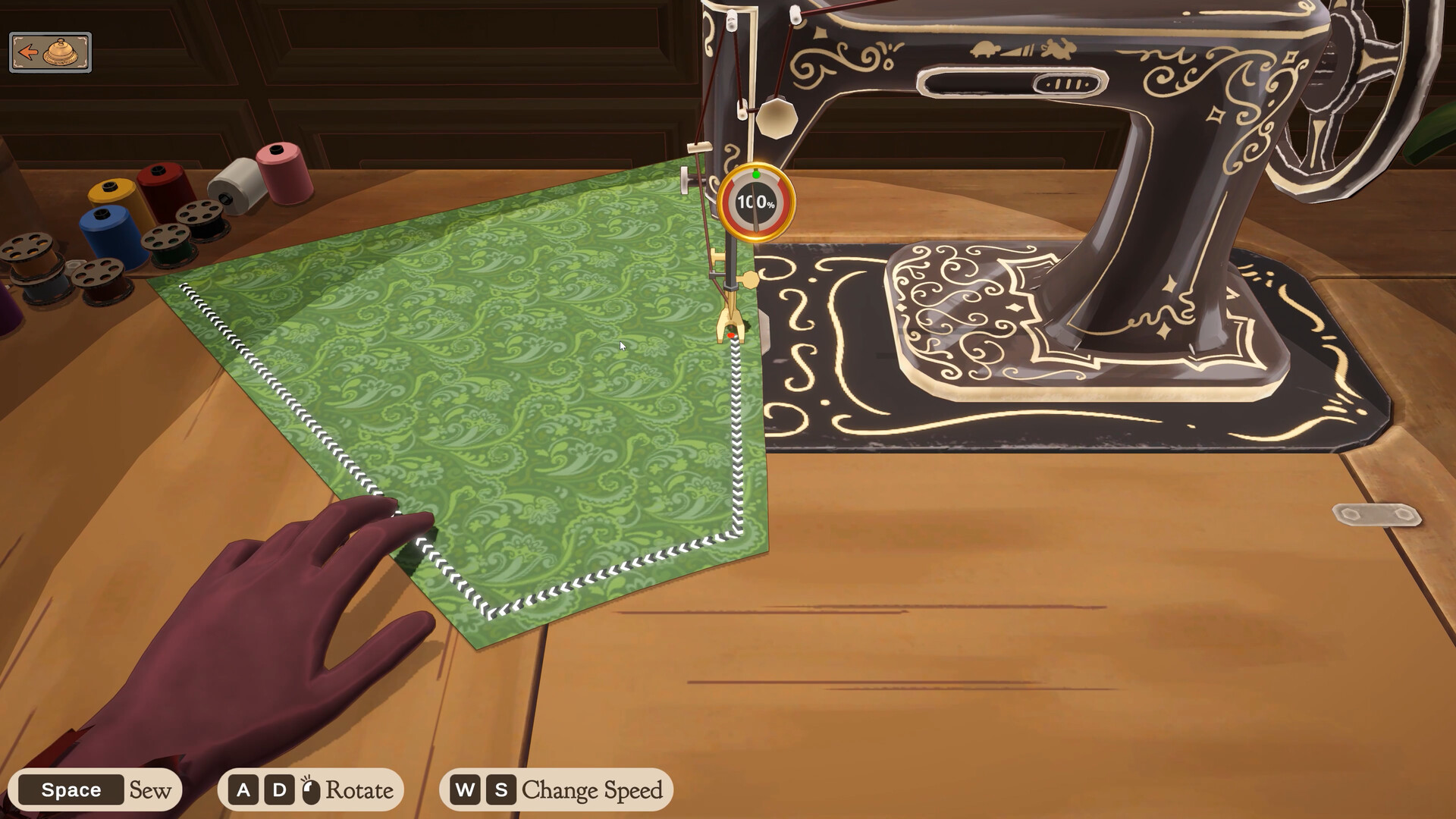
This guide covers Dressmaker’s sewing machine on Steam: how to stay on the stitch line, what controls to trust, and how to tell sewing mistakes apart from grain caps.
Disambiguation: Game sewing UI — not a hardware Dressmaker sewing-machine manual.
TL;DR — Stitch line + grain together
- Confirm every piece was cut with a green outline → Grain.
- Follow the dotted / guideline on the sewing screen.
- Use on-screen prompts in your build for feed / turn / speed (do not memorize outdated key lists).
- Slow down on curves; release feed before sharp adjustments.
- If accuracy looks fine but score is stuck, it’s probably grain — not more sewing practice.
Controls cheat sheet
| Action | Typical prompts | Notes |
|---|---|---|
| Feed / sew forward | Space (often) | Hold to advance fabric |
| Turn / rotate | A/D or ←/→ | Cornering |
| Speed change | W/S (press-kit era) | Confirm labels on your HUD |
| Stop to adjust | Release feed | Don’t steer while still feeding hard |
Always prefer the HUD prompt over any guide’s key table after a patch.
How the quality meter behaves (qualitative)
| Observation | Meaning |
|---|---|
| Meter stays high while needle tracks the line | Sewing contribution is healthy |
| Meter drops fast when you leave the line | Accuracy penalty — correct pathing |
| Forced seam restart when severely off | Hard state |
| High sewing accuracy but final garment capped | Likely grain problem upstream |
Do not invent exact percent drop rates.
Technique tips
- Corners: Approach slow; turn with short taps rather than one big swing.
- Curves: Small steering inputs beat late panic corrections.
- Release before re-aiming: If the machine keeps feeding while you adjust, quality bleeds.
- Lighting/contrast: On pale fabrics, prioritize edge tracking over speed.
- Assist options: Check Settings for any assist that helps stay on the stitch line before long 100% attempts.
Diagnose low quality (decision table)
| Symptom | First check | Next |
|---|---|---|
| Cap even when line looked perfect | Grain green outlines? | Re-cut → Grain |
| Meter collapses on bends | Corner technique / speed | Slow + shorter turns |
| Random shakes / twitchy cursor | Known control quirks in some builds | Try alternate input; check patches |
| Client still unhappy at high quality | Tags / budget | Fabrics · Commissions |
100% quality achievement pointer
The crafting achievement for hitting 100% quality on a dress needs both grain discipline and sewing accuracy. Details → Achievements.
FAQ
What keys sew and turn?
Read the on-screen prompts in your Steam build. Older articles may show prototype arrow-key setups.
Why do corners destroy my score?
Wide swings leave the guideline; slow down and turn in smaller steps.
Why can’t I reach 100%?
Often a single off-grain piece. Audit cutting first.
Is there an assist mode?
Check Settings on your Steam build. Confirm whether assist still allows the achievement you want before relying on it.
Does restarting a seam help?
If the game forces a restart when far off-line, treat it as recovery and re-enter the guideline slowly.